
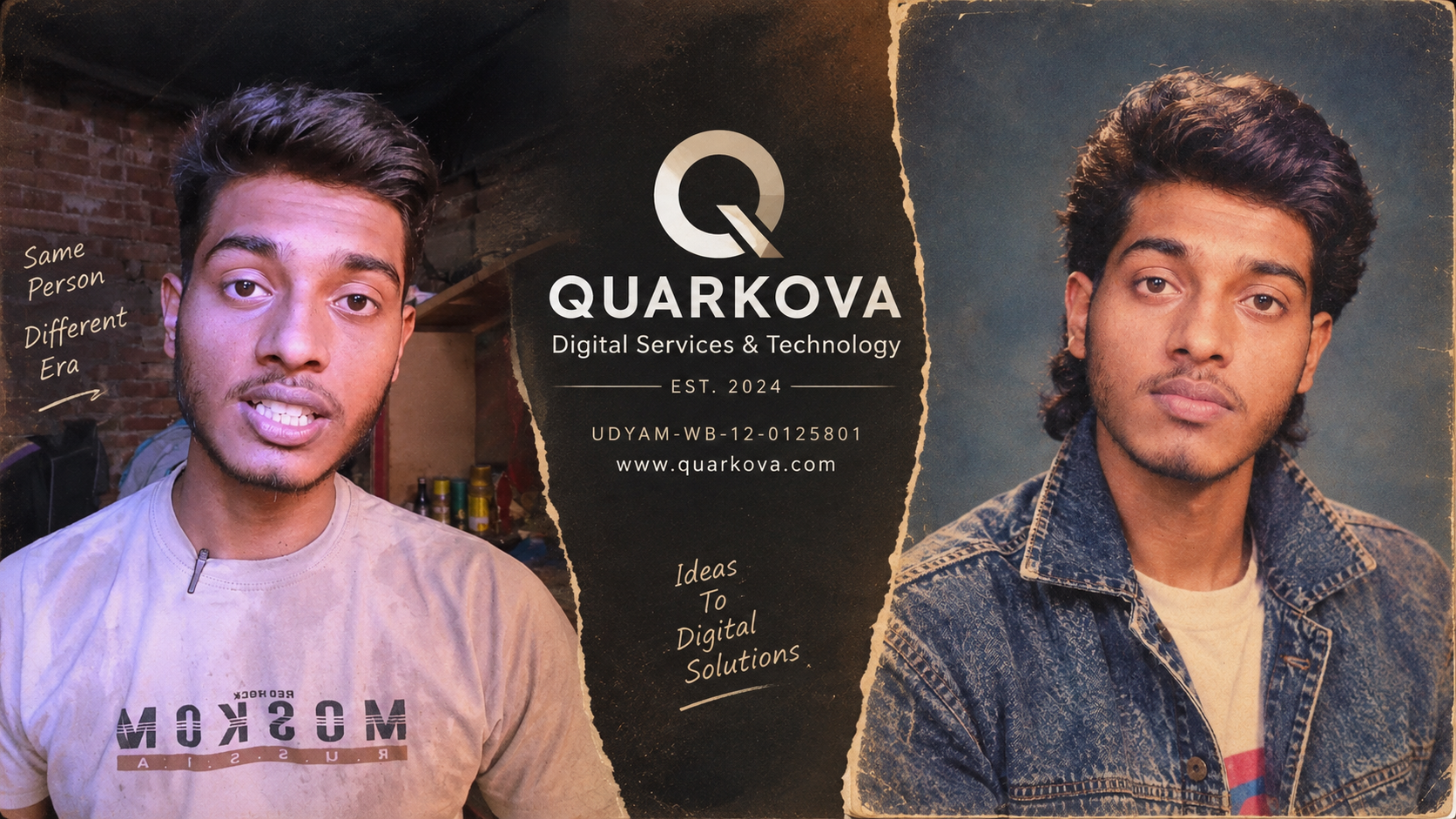
1980 old photo ai prompt1980s Studio Portrait AI Prompt: Free Copy & Paste
Turn your photo into a 1980s studio portrait with this AI prompt
The retro portrait trend is everywhere right now — feeds full of soft-lit, film-grain photos that look pulled straight from a mall photo studio in 1985. The good news: you don't need a stylist, a perm, or an actual analogue camera. One well-written prompt and an uploaded photo is enough to get a convincing 1980s studio look.
The prompt
Upload a clear, front-facing photo of yourself, then use the prompt below in your AI image tool of choice.
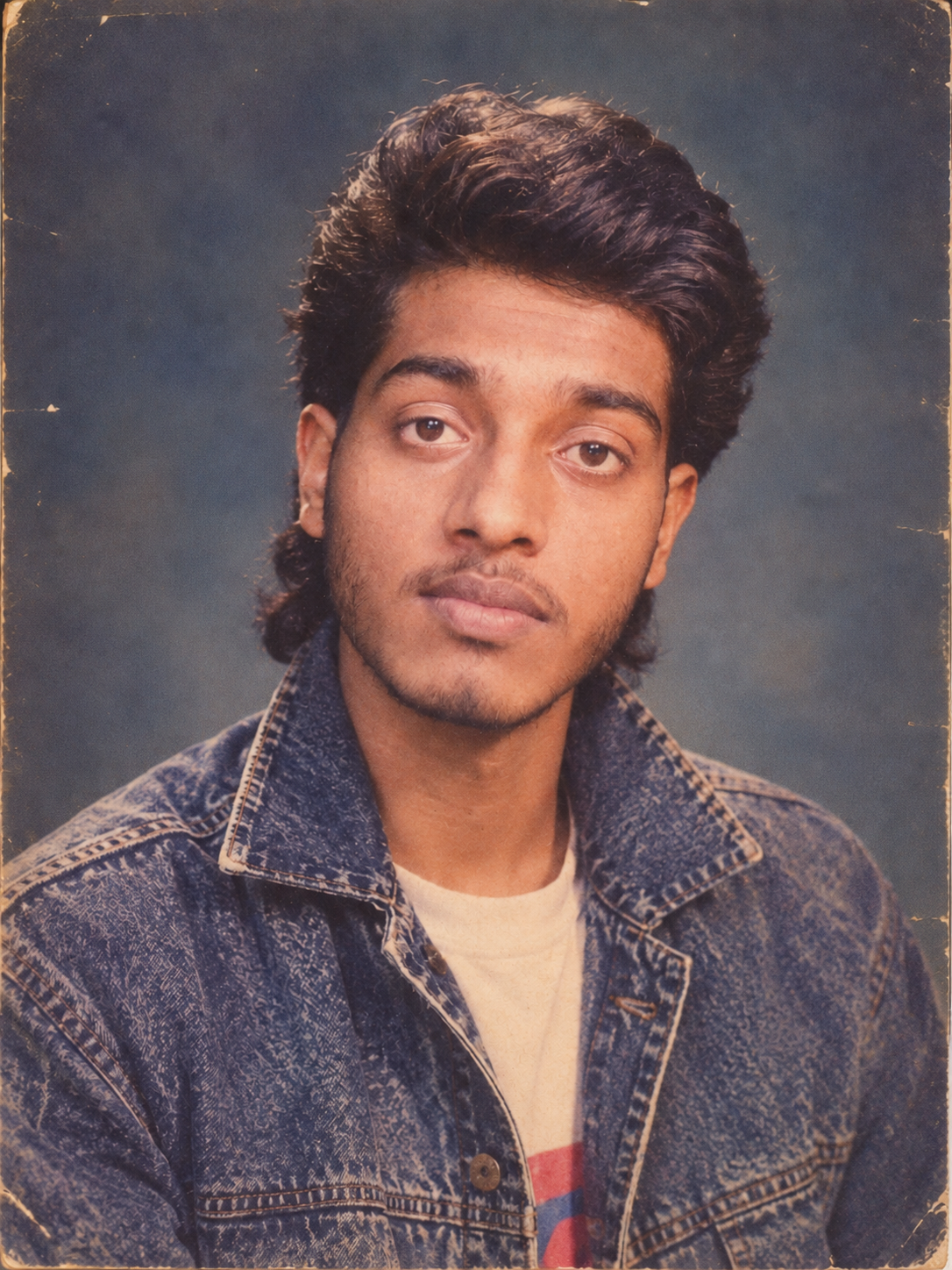
1980s studio portrait Man
Transform my uploaded photo into a classic 1980s studio portrait. Keep my facial features, identity and natural expression recognisable. Give me an authentic 1980s hairstyle and outfit, with a simple studio backdrop and soft portrait lighting. Make the image look like it was photographed on an analogue film camera in the 1980s, with subtle film grain, slightly muted colours and natural imperfections. Avoid making it look like a modern digital photograph.
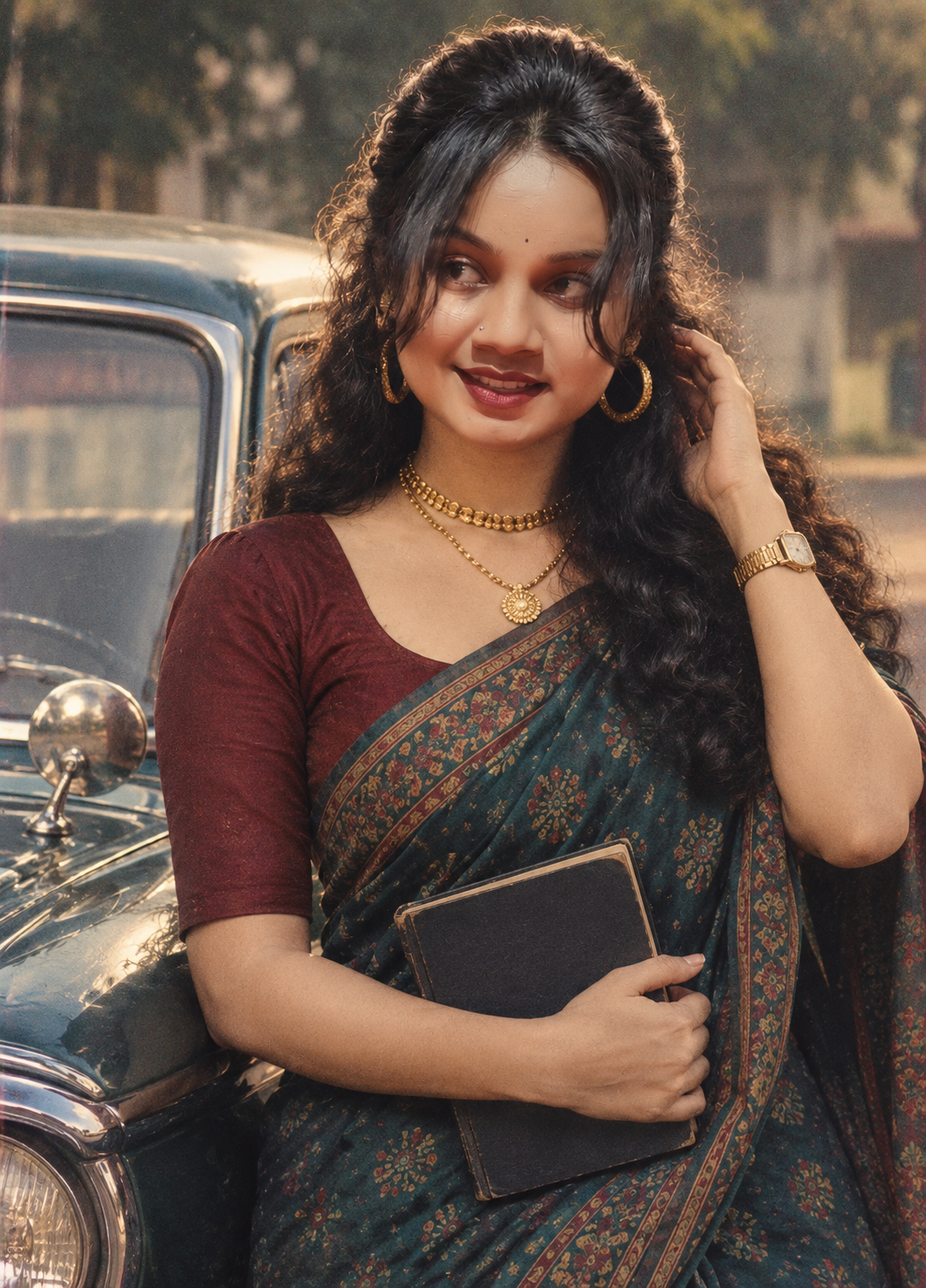
1980s studio portrait Women
Photorealistic vintage 1980s cinematic portrait of a beautiful South Asian woman with voluminous wavy black hair, wearing a traditional dark teal patterned saree with a maroon blouse, large gold hoop earrings, layered gold necklace and vintage wristwatch. She is standing beside a classic vintage car, gently touching her hair with one hand while holding a dark book with the other, looking thoughtfully to the side.
Why this prompt works
- It protects your identity. Explicitly asking to keep facial features and expression recognisable stops the model from over-stylizing you into someone else.
- It names the era's visual cues. Hairstyle, outfit, and backdrop are called out directly instead of left to guesswork.
- It targets the film look, not just the styling. Grain, muted colour, and "natural imperfections" are what separate a real period photo from a shiny digital fake.
Tips for the best result
- Use a well-lit, front-facing photo with a neutral expression — the model has less to guess at.
- If the first result looks too digital, add "no smoothing, visible film texture" to push it further.
- Not every tool interprets "1980s" the same way — try a couple of generators and compare.
Try it yourself
Copy the prompt above, upload your photo, and see how close you get to a genuine '80s studio shot. It's a quick way to test how well an AI tool balances style transfer with keeping you recognisable.